Cleaning schedule

A cleaning schedule that resets itself

Write the routine once. Weekly and monthly jobs come back on their own when they are done, overdue ones stand out, and everyone sees whose turn it is.

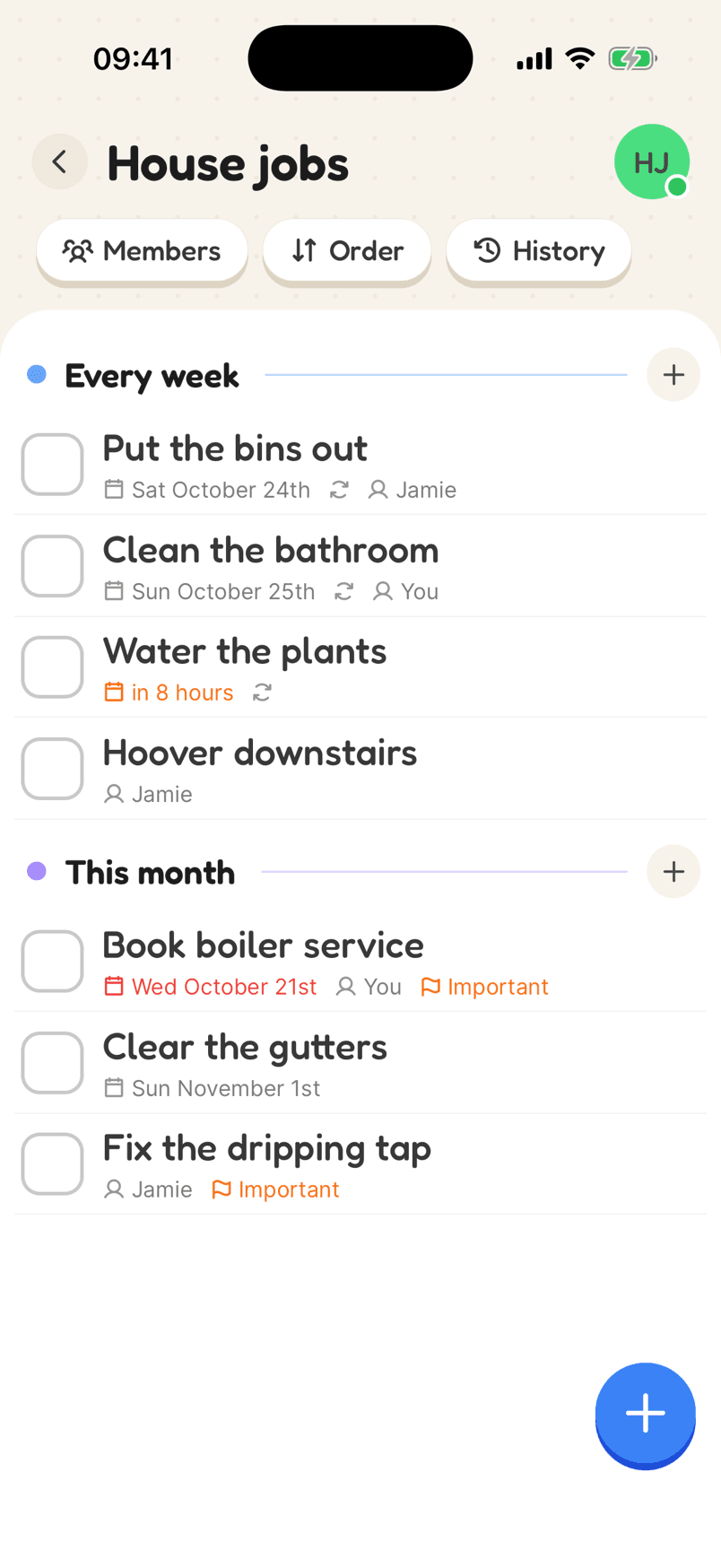
A cleaning list with weekly and monthly jobs and repeat icons
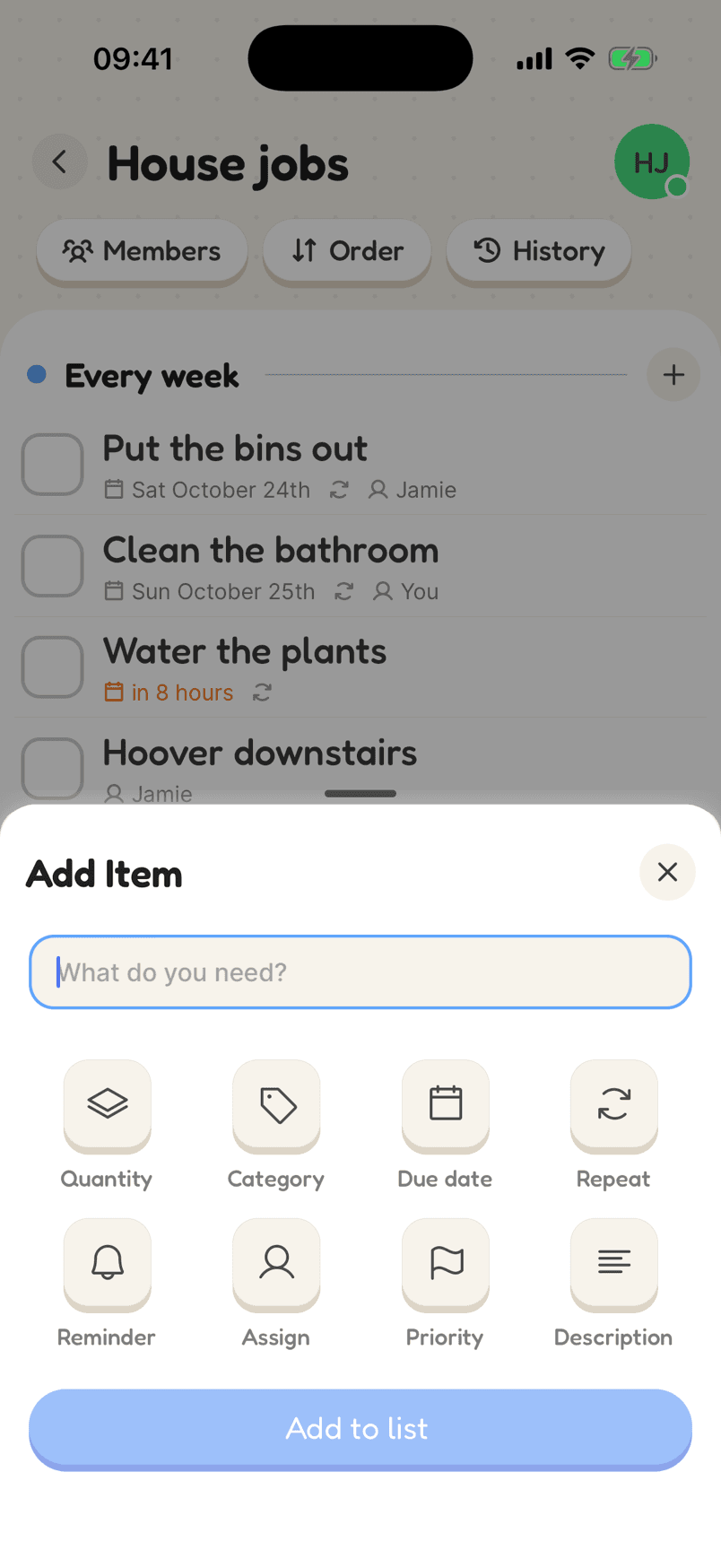
Adding a job with Repeat, Reminder and Assign options

How a cleaning schedule looks

Group jobs by how often they need doing. Each one repeats on its own schedule, so the list is always the current week’s jobs.

  1. 1List the jobs by how oftenA category for weekly jobs, one for monthly, and one for the occasional ones.
  2. 2Set each one to repeatOn a set day, every few weeks, or a set time after it was last done.
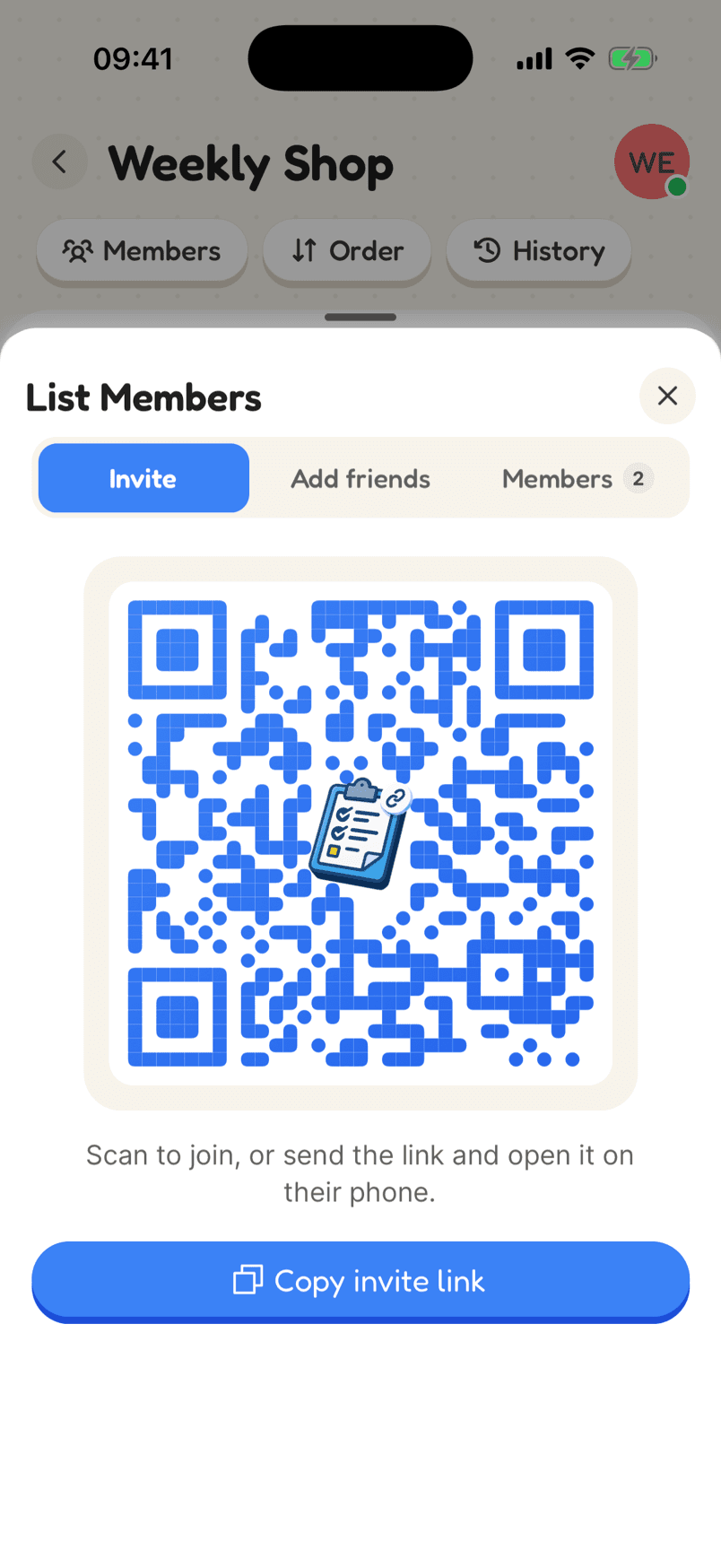
  3. 3Share it and assign itInvite the household and put a name against each job.
In the app

What makes it work

A House jobs list with weekly jobs assigned to Jamie and You, an overdue boiler service and important flags

Jobs that are someone’s, and come back on their own

Assign jobs to people, set them to repeat daily, weekly, monthly or on chosen days, or a set time after they were last done. Overdue jobs turn red and important ones are flagged.

Why a shared list helps

Repeats that fit the job

Repeat on set days, every few weeks, monthly, or a set time after the job was last done. The next date appears as soon as you tick it off.

Shared, so it is fair

Assign jobs to people and everyone can see who is doing what this week.

A nudge when it is due

Set a reminder on the jobs that slip, and overdue ones turn red so they are easy to spot.

Building a cleaning schedule you will stick to

A cleaning schedule only works if it tells you what to do today, not everything you should ever do. Setting each job to repeat means the list only ever shows the jobs that are due, and each one comes back on its own once it is ticked off.

Match the repeat to the job. Bins and bathrooms on a set day each week; the oven or the fridge once a month; bedsheets a set number of days after they were last changed, so a busy week doesn’t knock the whole schedule out.

Share it if you share the house. Put a name against each job so it is clear whose it is this week, and let the overdue ones turn red rather than relying on someone remembering.

Reviews

Loved by the people who use it

4.8from 94 ratings on the App Store
“It takes the stress out of shopping and my family love it too! The categories are really useful for navigating the supermarket … This has also been really great for the family chores... especially because you can assign tasks to individuals on your list (no excuses!).”
App Store review, December 2020

Questions

How do I make a weekly cleaning schedule?

Make a list, add each job with a weekly repeat on the day it should be done, and assign it to someone. When it is ticked off, next week’s appears.

Can a job repeat from when it was last done?

Yes. Choose to repeat from completion, and the next date is counted from when it was actually done, not when it was due.

Can I get reminded about cleaning jobs?

Yes. Add a reminder to any job and your phone will notify you at that time.

Start your cleaning schedule

Free on iPhone and Android, and in your browser. Everyone you share with is one invite away.