Flatmates and house shares

A cleaning rota nobody can claim they didn’t see

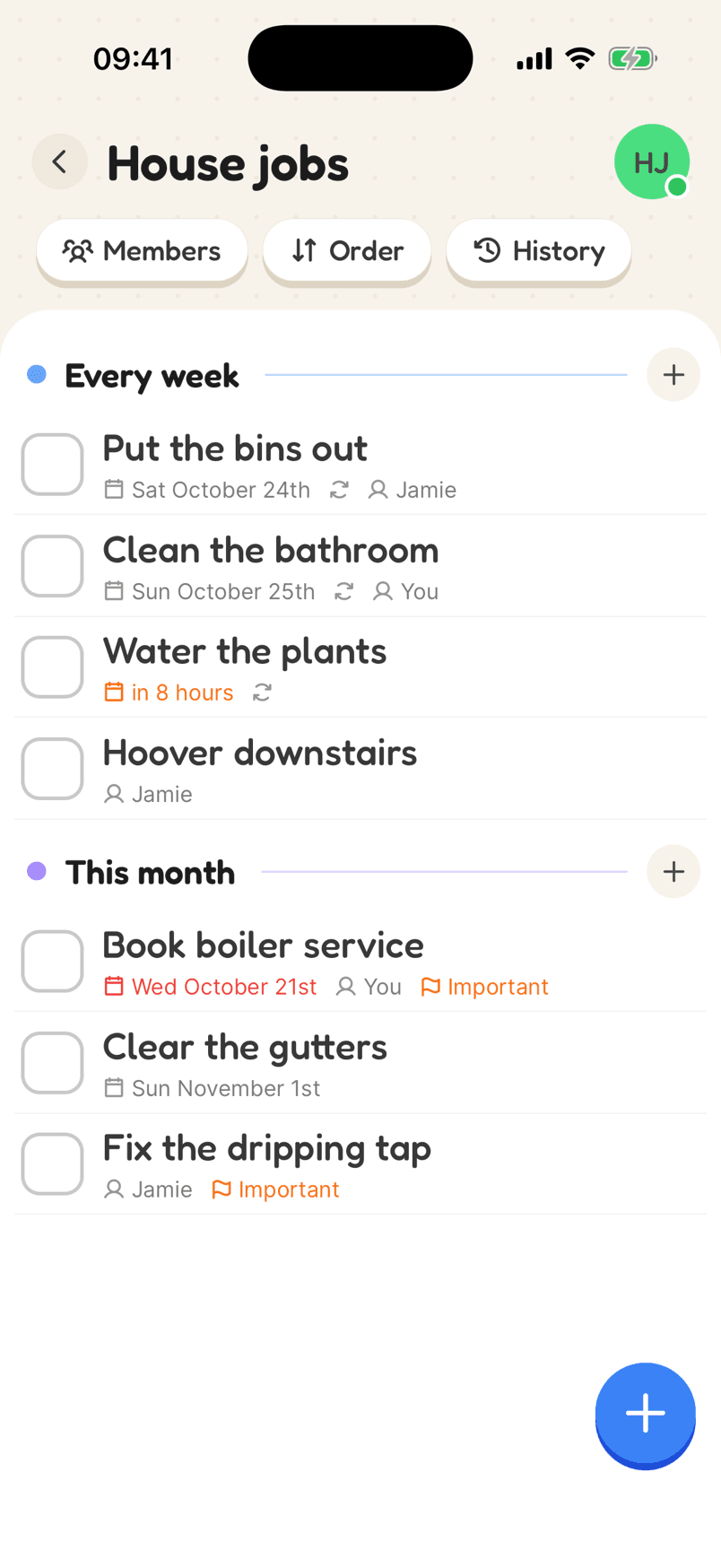
Put the rota where everyone already looks: their phone. Jobs are assigned by name, repeat every week, and the history shows who did what.

A shared jobs list with weekly chores assigned to flatmates
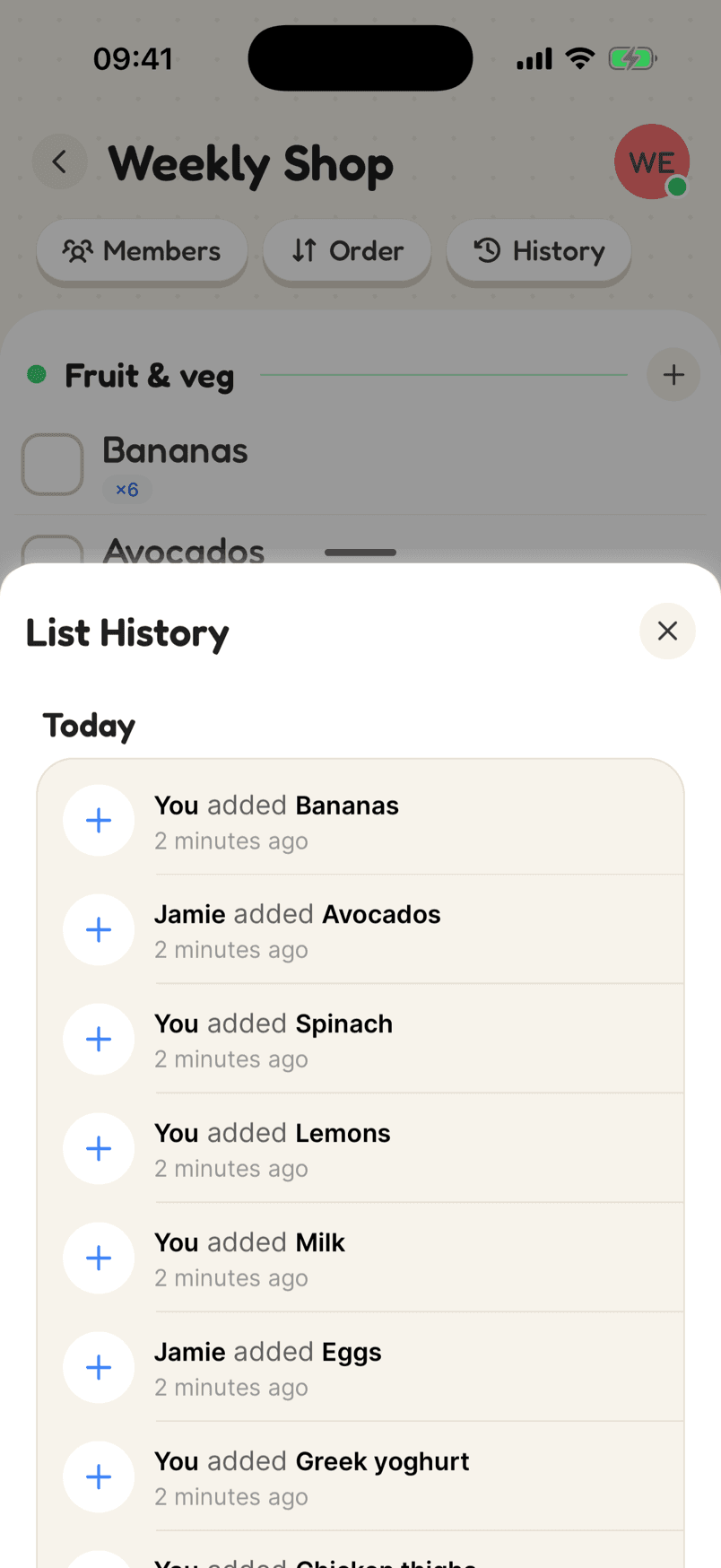
List history showing who added and completed each item

How a flat’s rota looks

One list for the shared spaces, a category per room, and each weekly job assigned to someone. Swap names round each week, or leave them for whoever is free.

  1. 1Make a rota list for the flatOne list for the shared spaces, with a category for each room.
  2. 2Add each job with a weekly repeatAssign it to a flatmate, and swap names round whenever you change the rota.
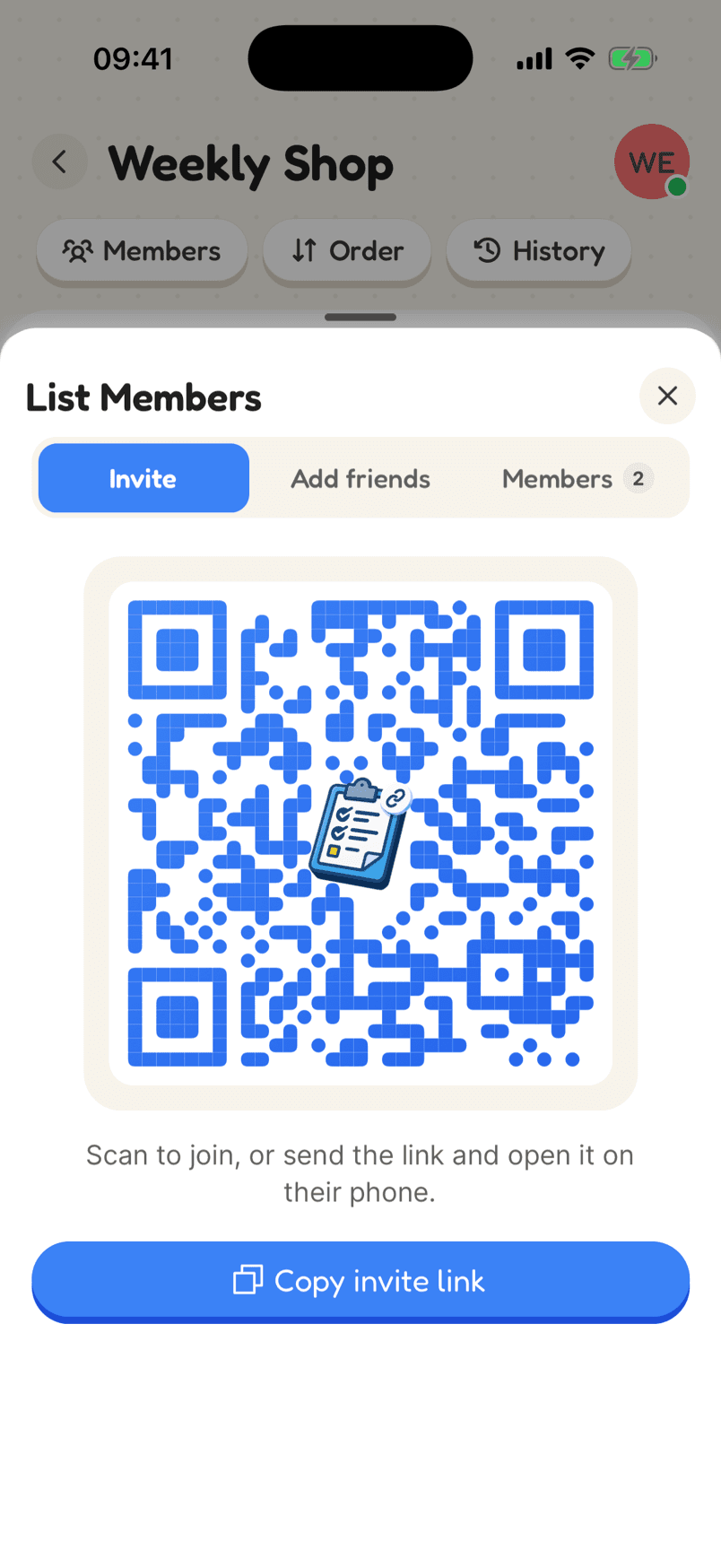
  3. 3Share it in the flat group chatPost the invite link once. Everyone joins and sees their own jobs.
In the app

What makes it work

A House jobs list with weekly jobs assigned to Jamie and You, an overdue boiler service and important flags

Jobs that are someone’s, and come back on their own

Assign jobs to people, set them to repeat daily, weekly, monthly or on chosen days, or a set time after they were last done. Overdue jobs turn red and important ones are flagged.

Why a shared list helps

The rota lives on everyone’s phone

No whiteboard to ignore and no group chat to scroll back through. Each flatmate sees the jobs assigned to them on their own list.

Who did what, without the argument

The list history records who added and who completed every item. Is it really only you buying the toilet roll? Now you can check.

Shared shopping too

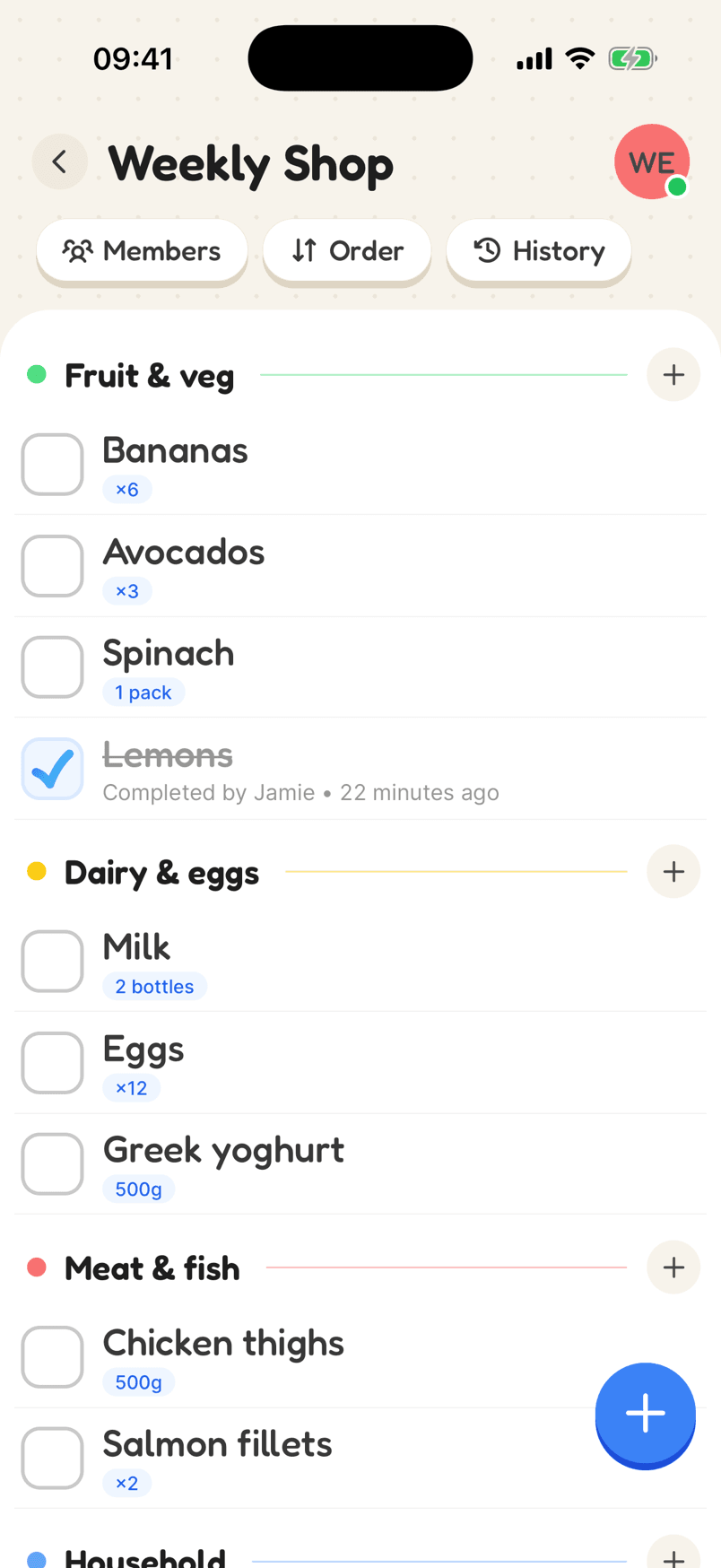
Make a second list for the things the flat buys together, like washing up liquid and bin bags, and everyone can add to it.

Setting up a cleaning rota for a house share

A rota on the fridge works until someone stops looking at the fridge. Putting it on everyone’s phone, with each job assigned by name and repeating every week, means the rota keeps going without anyone having to chase it.

Split jobs by room so it is clear what each one covers: kitchen, bathroom, the shared hallway. Decide whether jobs rotate each week or stay with one person, and set the names accordingly. When a job is done, whoever did it ticks it off, and the history keeps a record of who did what.

Use a second list for the things the flat buys together. Washing up liquid, bin bags and toilet roll run out at the worst times; with a shared list, whoever notices adds it and whoever is passing the shop picks it up.

Reviews

Loved by the people who use it

4.8from 94 ratings on the App Store
“It takes the stress out of shopping and my family love it too! The categories are really useful for navigating the supermarket … This has also been really great for the family chores... especially because you can assign tasks to individuals on your list (no excuses!).”
App Store review, December 2020

Questions

How do I make a cleaning rota for my flat?

Create a list, add a category for each room, and add each job with a weekly repeat. Assign each one to a flatmate, then share the list with an invite link.

Can I see who has done their jobs?

Yes. A completed job shows who ticked it off, and the list history keeps a record of every change: a week on the free plan and a year on Plus.

Is it free for everyone in the flat?

Yes. Everyone can join and use a shared list for free. The free plan covers up to three lists per person, created or joined; Plus raises that to 50.

Start your flat’s rota

Free on iPhone and Android, and in your browser. Everyone you share with is one invite away.