Shared shopping lists

One shopping list the whole house adds to

Whoever notices the milk is low adds it, and whoever is at the shop sees it straight away. Items tick off live, so nobody buys the same thing twice.

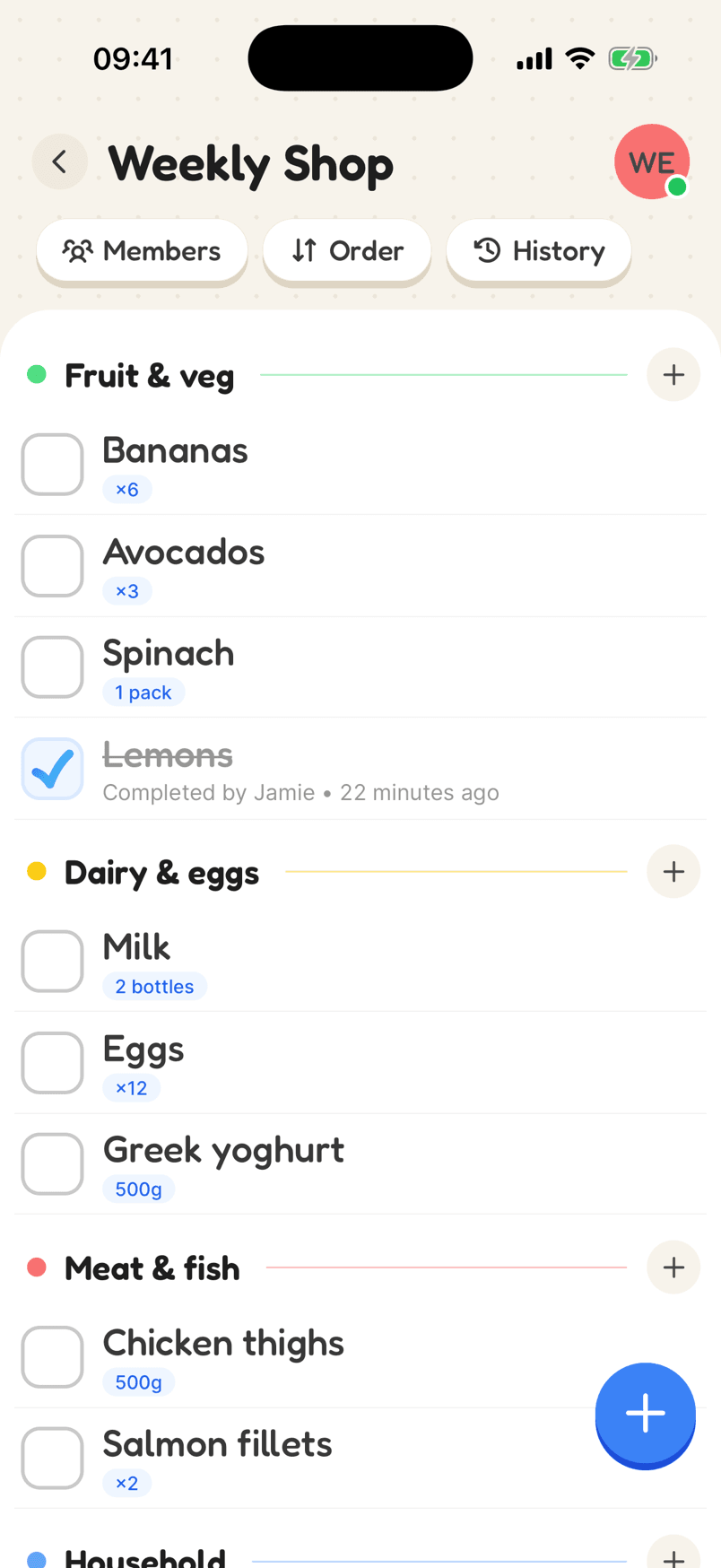
A Weekly Shop list sorted into Fruit & veg, Dairy & eggs and Meat & fish, with quantities
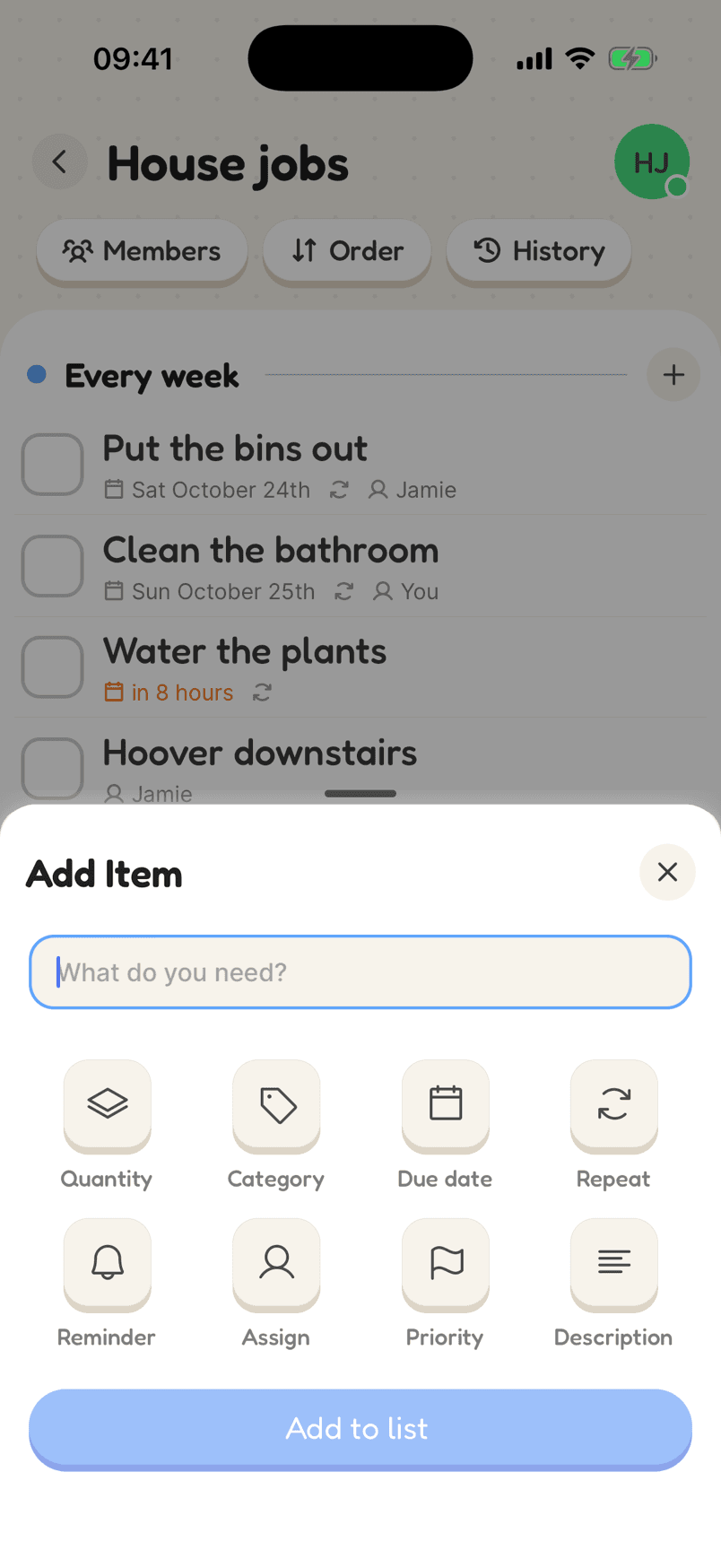
Adding an item with a quantity, category and other options

How a weekly shop looks

Put items in categories that follow the way you walk round your supermarket, and add how many you need so nobody has to guess.

  1. 1Make a list for the shopCall it what you like, give it a colour, and choose whether new items go to the top or bottom.
  2. 2Add categories for the aislesFruit and veg, dairy, frozen, household: whatever matches the way you walk round.
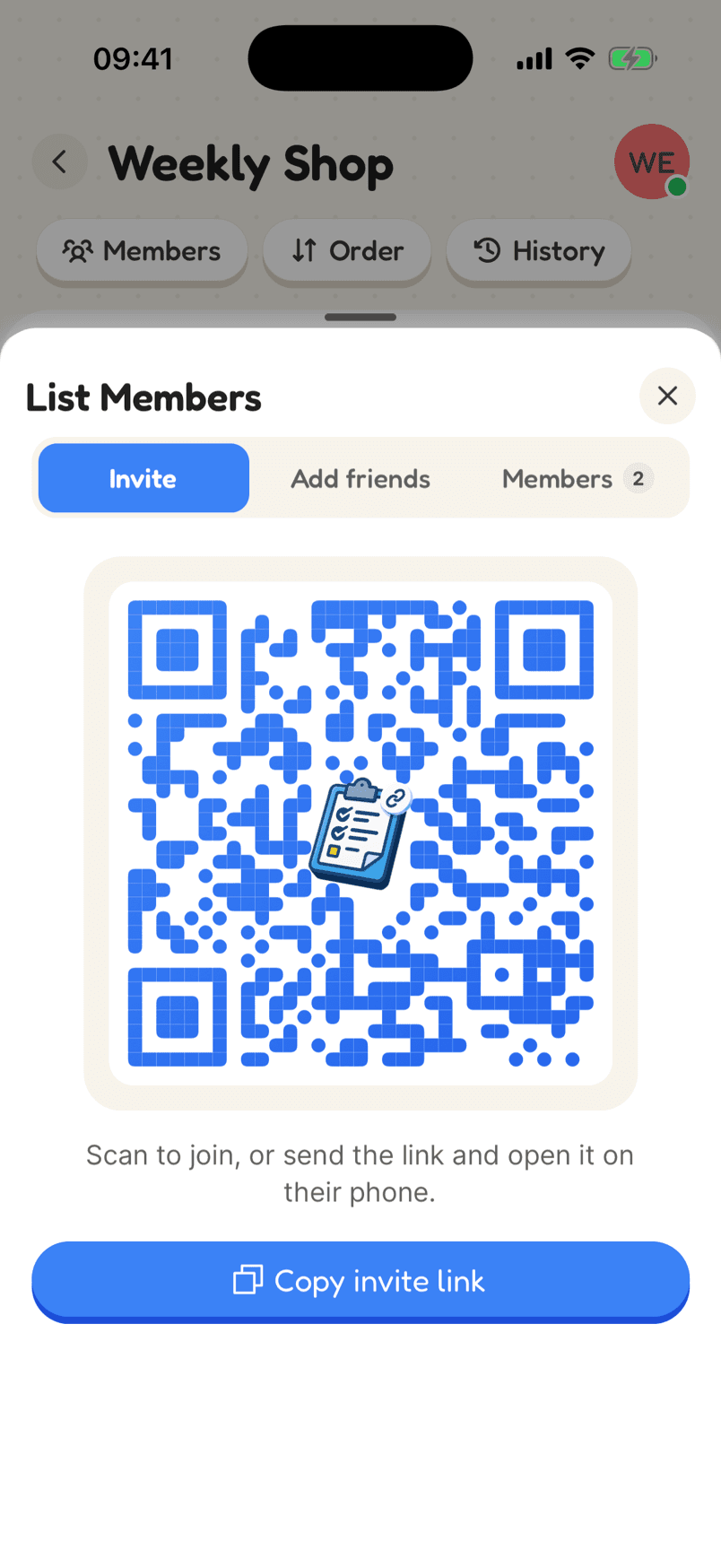
  3. 3Invite the houseSend the link or show the QR code. Everyone adds what they notice is running low.
In the app

What makes it work

The Weekly Shop list grouped into categories, with quantities and an item Jamie ticked off

Everyone sees it the moment it changes

Add something at home and it is on the list in the shop before anyone reaches that aisle. Tick it off and it is done for everyone. A dot on the list shows you are connected.

Why a shared list helps

Live on every phone

When someone adds or ticks off an item, it changes on everyone’s list at once. You can split up in the shop and still know what is left.

Quantities and units

Two bottles, 500g, a bunch, a box. The amount sits under the item name, so “eggs” never means three different things to three people.

No signal in the supermarket?

Listshare works offline. Tick things off in the basement aisles and the list catches up as soon as your phone does.

Making a shared shopping list that actually gets used

The best shopping list is the one that is already on everyone’s phone when they need it. When the list lives in one person’s notes app, the rest of the house texts them what they want and half of it gets lost. A shared list means whoever spots the empty jar adds it there and then, and whoever ends up at the shop is working from the same list.

Sort it the way you shop. A handful of categories that follow the layout of your usual supermarket, such as fruit and veg first and frozen last, saves doubling back. Add an amount to anything where it matters, so “yoghurt” becomes 500g and “eggs” becomes a dozen, and nobody has to call home from the aisle.

Tick things off as they go in the basket. With a live list, anyone else who is shopping sees it disappear straight away, which is what stops two people buying the same thing. And if there is no signal at the back of the shop, carry on: the list catches up when you do.

Reviews

Loved by the people who use it

4.8from 94 ratings on the App Store
“It takes the stress out of shopping and my family love it too! The categories are really useful for navigating the supermarket … This has also been really great for the family chores... especially because you can assign tasks to individuals on your list (no excuses!).”
App Store review, December 2020

Questions

Can everyone in the house add to the same shopping list?

Yes. Share the list with a link or a QR code, and everyone on it can add, edit and tick off items from their own phone.

Can I sort my shopping list by aisle?

Yes. Make a category for each part of the shop, such as fruit and veg, dairy or frozen, and put each item in one. The free plan includes three categories per list; Plus gives you up to 24.

What happens if two of us are shopping at once?

You both see the same list. Ticking an item off removes it from the other person’s list straight away, so you don’t double up.

Start your shopping list

Free on iPhone and Android, and in your browser. Everyone you share with is one invite away.