Grocery lists

A grocery list sorted the way you shop

Add what you need with how much of it, sort it into the aisles you walk past, and share it with everyone who does the shopping.

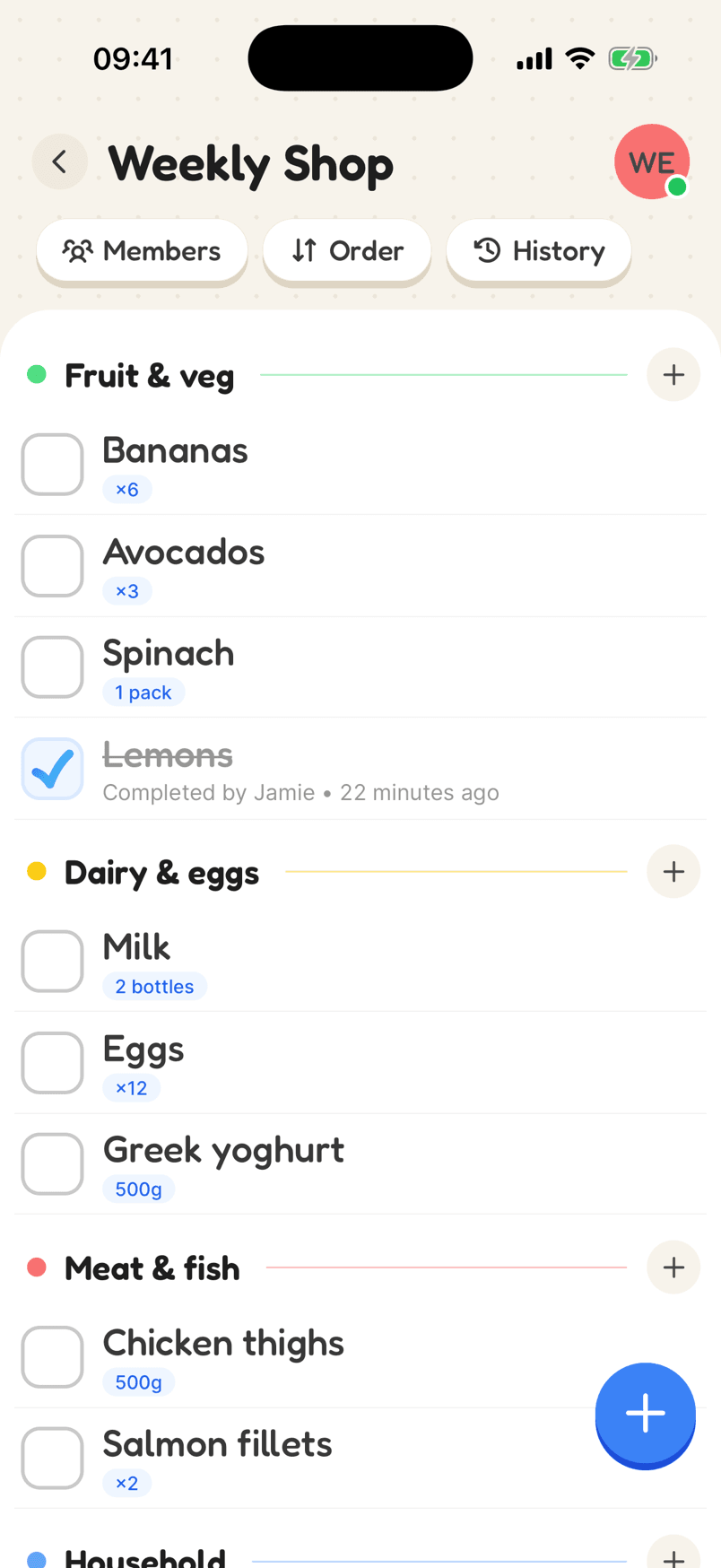
A grocery list grouped into Fruit & veg, Dairy & eggs and Meat & fish
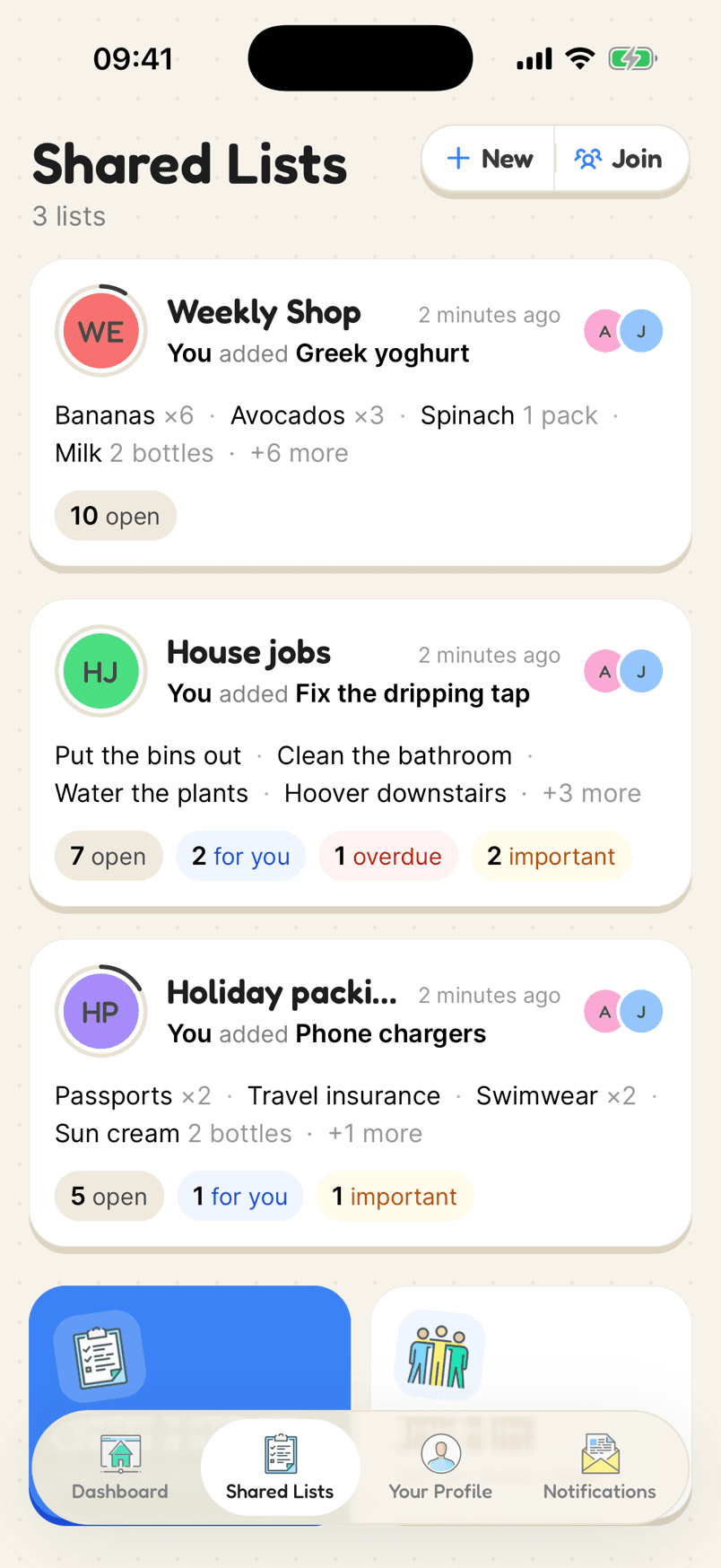
Shared lists with a preview of each list’s items

How a grocery list looks

Start with the basics and the aisles of your usual shop. The quantities save a text asking “how many?”.

  1. 1Start with the basicsAdd the staples you buy every week, with how much of each.
  2. 2Group them by aisleA few categories that follow your usual shop.
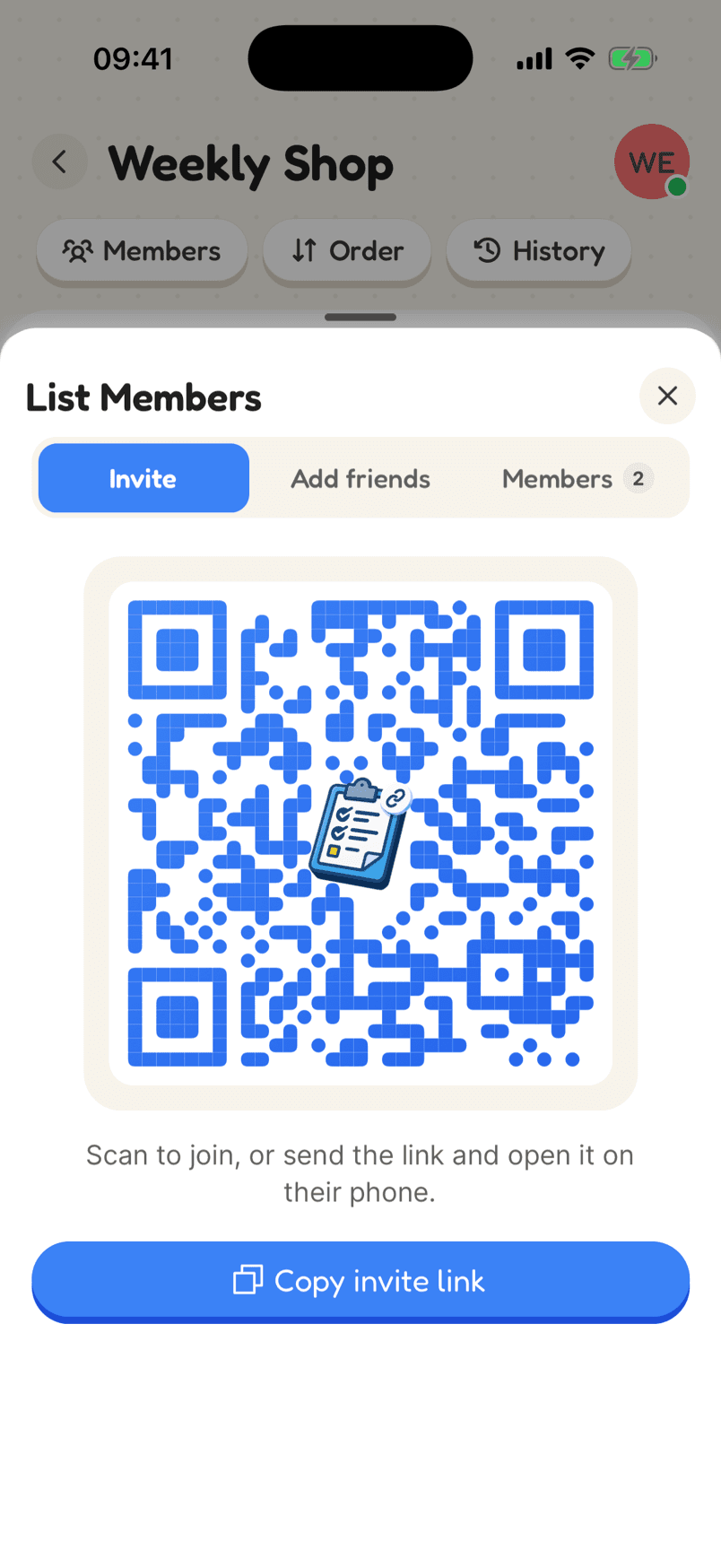
  3. 3Share it with whoever shopsEveryone adds to the same list, and items tick off live.
In the app

What makes it work

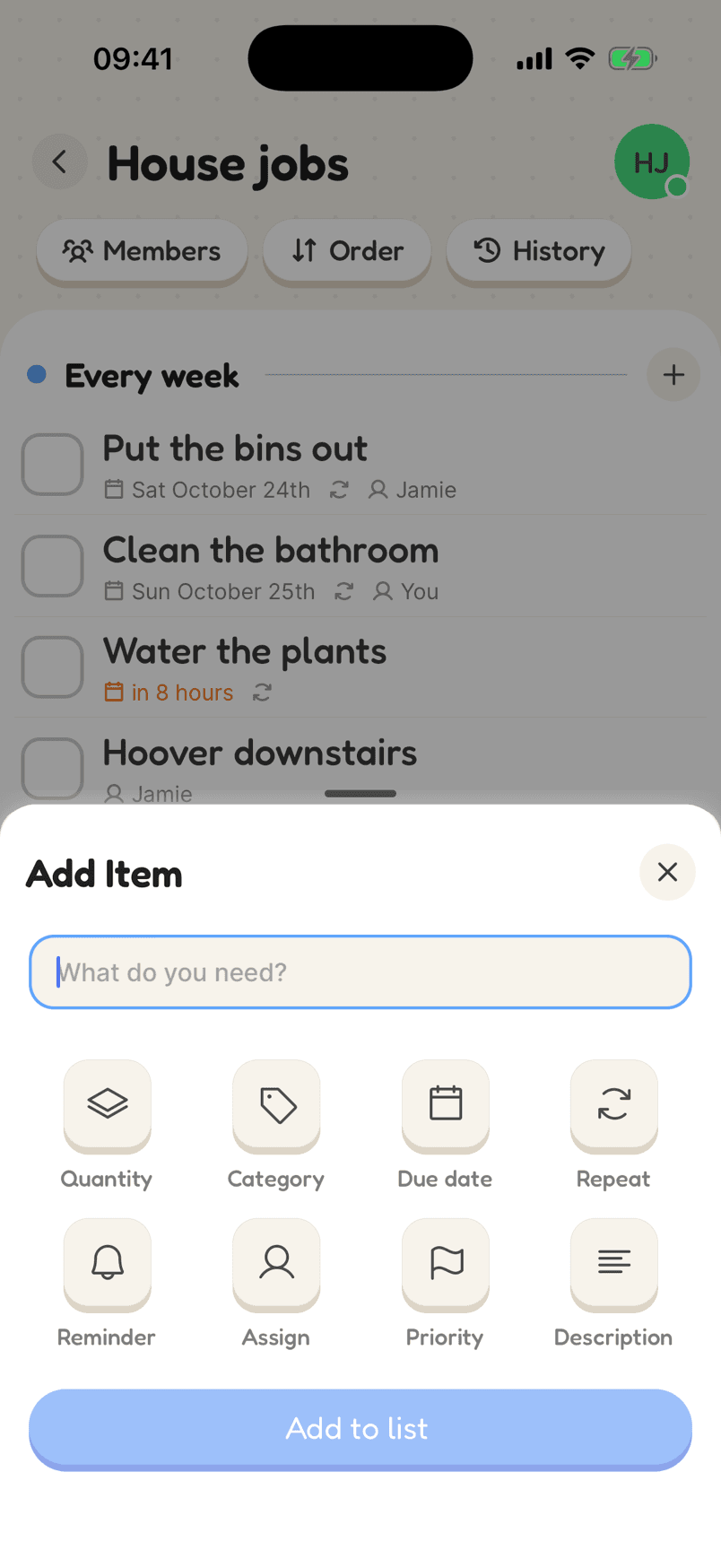
The Add Item sheet with Quantity, Category, Due date, Repeat, Reminder, Assign, Priority and Description

Add exactly what you need

Quantity and unit, category, due date, repeat, reminder, who it is for, priority and a note. Each is one tap away when you add an item, and out of the way when you don’t need it.

Why a shared list helps

Sorted by aisle

Categories group your items the way the shop is laid out, so you are not doubling back for the one thing you missed.

Exact amounts

Add quantities in items, packs, cans, bottles, grams, kilos and more, so the list says exactly what to buy.

Shared and live

Everyone in the house can add to the grocery list, and items tick off for everyone the moment they are in the basket.

What to put on a basic grocery list

Most weekly grocery lists come down to the same groups: fruit and vegetables, dairy and eggs, bread, meat or fish, cupboard staples like pasta, rice and tins, and household items like washing up liquid and bin bags. Starting with those as categories gives you a list that follows the shop.

Write down amounts. “Milk” on a list means different things to different people; “2 bottles” doesn’t. Units like packs, cans, grams and kilos make the list exact enough that whoever is shopping can just follow it.

Keep it shared and keep it current. When anyone in the house finishes something, they add it then, and when it goes in the basket it gets ticked off for everyone.

Reviews

Loved by the people who use it

4.8from 94 ratings on the App Store
“It takes the stress out of shopping and my family love it too! The categories are really useful for navigating the supermarket … This has also been really great for the family chores... especially because you can assign tasks to individuals on your list (no excuses!).”
App Store review, December 2020

Questions

What should go on a basic grocery list?

Most households start with fruit and veg, dairy and eggs, bread, meat or fish, cupboard staples like pasta, rice and tins, and household items. Group them by aisle so the list matches your shop.

Can I add quantities to my grocery list?

Yes. Every item can have an amount and a unit, shown under its name.

Can more than one person use the grocery list?

Yes. Share it with an invite link and everyone on it can add and tick off items from their own phone.

Start your grocery list

Free on iPhone and Android, and in your browser. Everyone you share with is one invite away.